
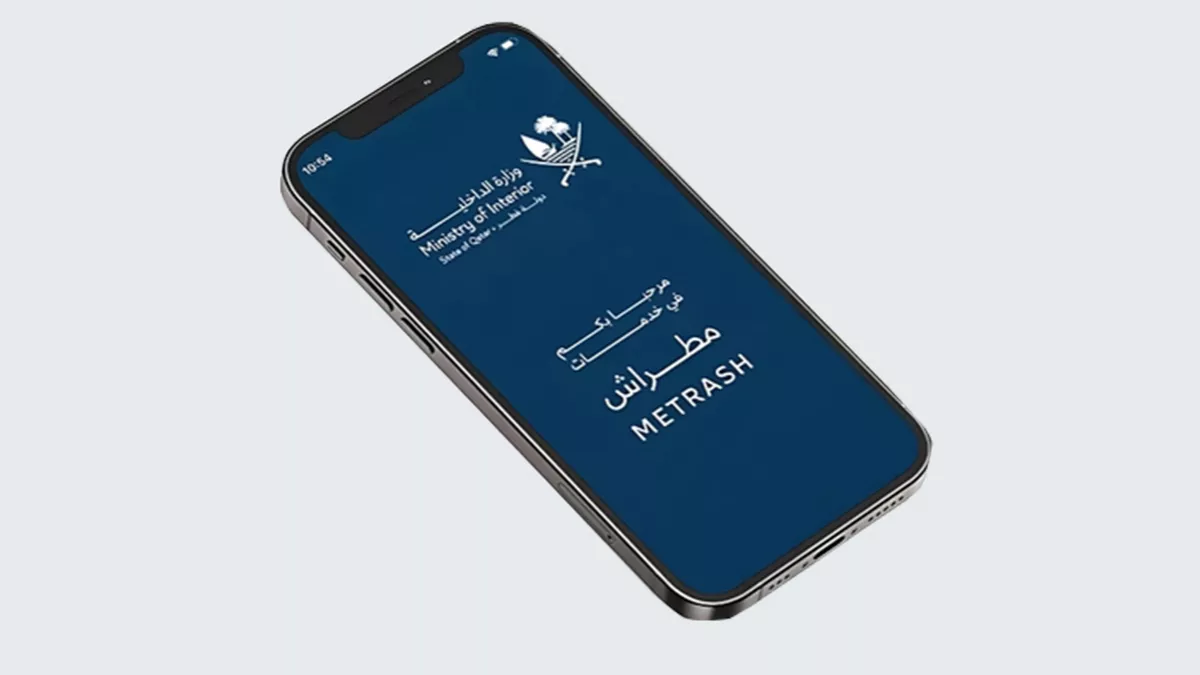
Qatar's Ministry of Interior has released a video guide explaining how employers can approve and update expatriate workers' details and employment contracts through the Metrash app before their arrival in Qatar.
The ministry outlined the following steps to complete the process:
- Open the Visa section and select QVC.
- Tap Add or Edit QVC Contract Details.
- Choose the employee's visa to create or update the employment contract.
- Enter the required information, including:
- Educational qualification
- Contract duration
- Probation period
- Air ticket entitlement period
- Basic salary (minimum QR1,460)
- Select Sign QVC Contract and tap Continue.
- Go to Pay QVC Fees and choose the employee's visa to complete the payment.
- Once the payment is successful, select Book QVC Appointment to schedule the medical examination.
The ministry said users will be redirected to the Qatar Visa Centre (QVC) website to book the required medical examination before the employee travels to Qatar.